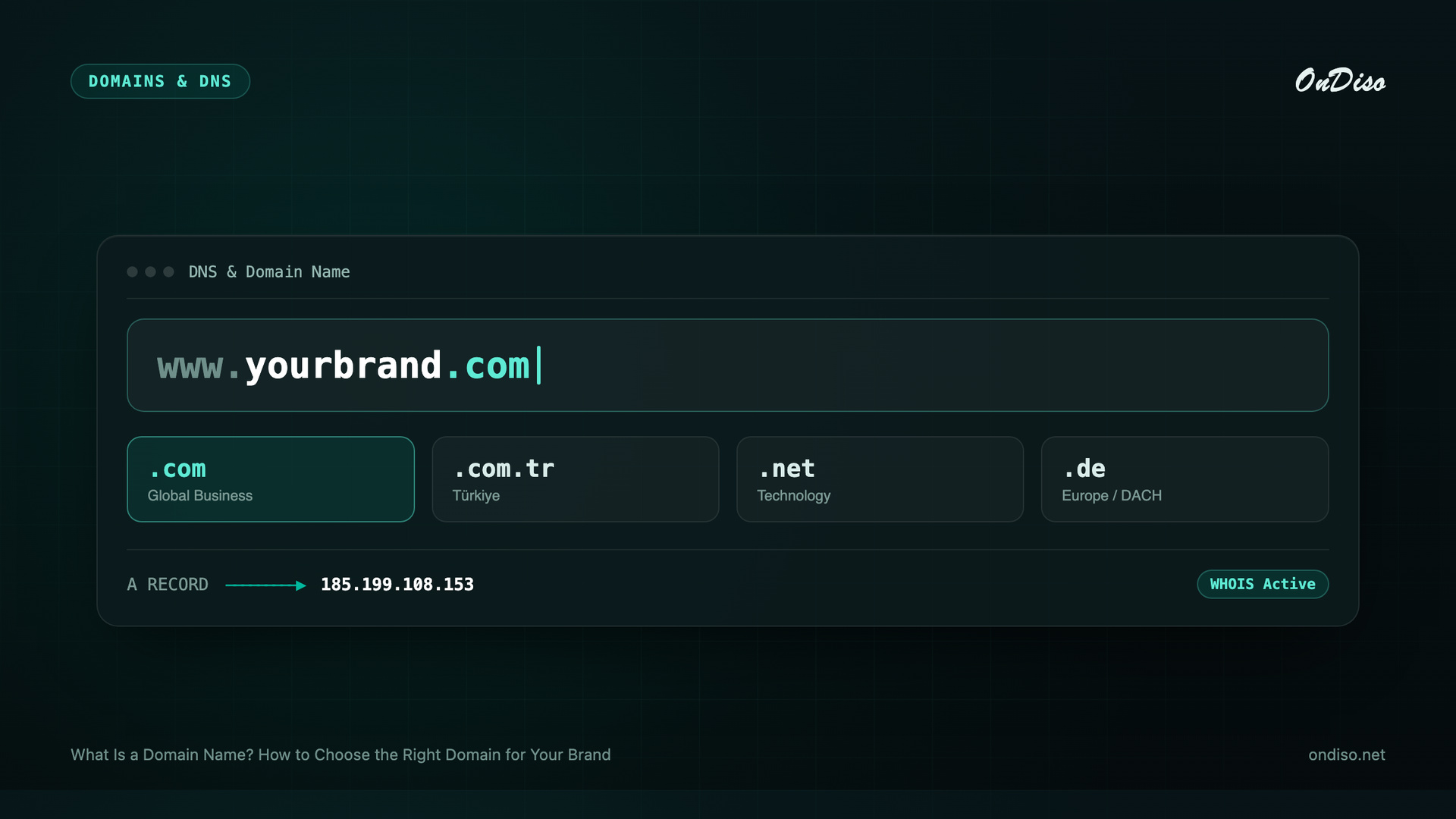
A domain name is the human-readable address of your website and corporate email on the internet. When entered into a browser, DNS (Domain Name System) translates that domain into the server's IP address. A short, memorable domain builds immediate brand trust and anchors your digital infrastructure.
How Do Domain Names and DNS Work Together?
Every server connected to the internet uses a numerical IP address, yet no customer wants to memorize strings like 185.x.x.x. A domain name translates that address into a memorable brand identifier such as ondiso.net.
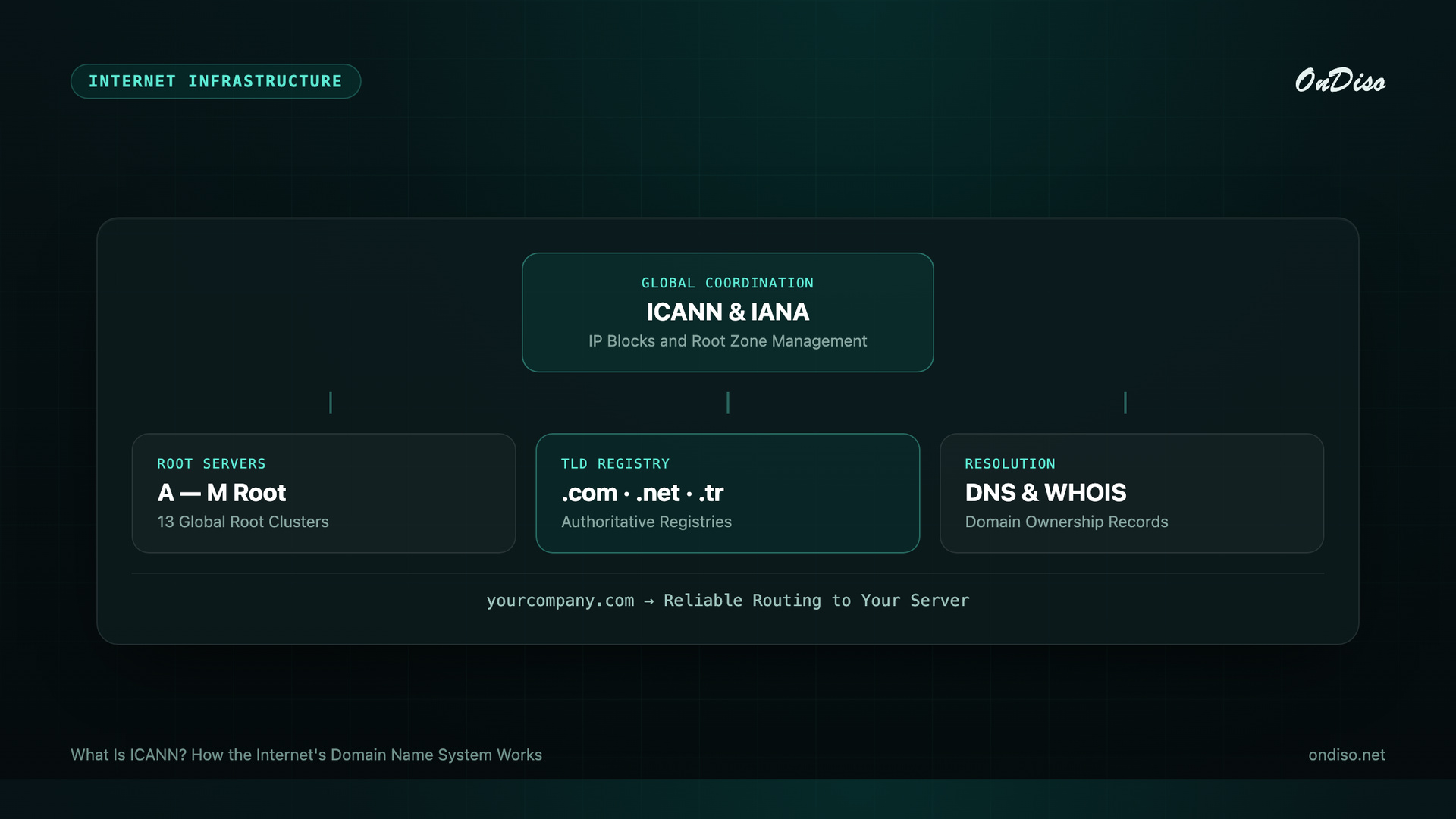
When someone enters your address, the DNS resolver queries root servers down to the authoritative nameserver and routes traffic to your web server. This global naming coordination operates under ICANN standards.
Choosing the Right Extension (TLD) for Your Market
A domain consists of your brand name and a top-level extension (TLD). Selecting the right extension directly influences customer click-through rate and trust:
| Extension | Target Audience | When to Choose It |
|---|---|---|
| .com | Global commercial markets | Brands targeting international or broad consumer reach |
| .com.tr / .tr | Turkish business market | Companies prioritizing local commercial trust in Türkiye |
| .net / .io | Software, SaaS, infrastructure | Tech platforms, developer tools, and cloud services |
| .de / .eu | Germany and European market | Businesses serving DACH or EU customers in local languages |
5 Practical Rules Before Registering a Domain
- Keep It Short and Easy to Spell: Avoid hyphens and hard-to-dictate spellings when giving your email or website over the phone.
- Verify Trademark and Social Handle Alignment: Check social availability before locking in a brand name.
- Think About Corporate Email Early: Your domain becomes
you@yourbrand.comin every customer inbox. - Keep Ownership Under Company Control: Ensure registration details use your company email and enable Registrar Lock.
- Pair Fast DNS With Clean SSL: Use responsive nameservers and automated SSL certificates from day one.
Frequently Asked Questions
Do I need exact-match keywords in my domain name for Google SEO?
No. Google no longer rewards keyword-stuffed domains with automatic ranking boosts. A clean, memorable brand domain paired with fast, authoritative content performs much better long term.
Can I launch a new website without losing my existing domain or Google rankings?
Yes. You keep your domain registrar unchanged, point DNS A/CNAME records to the new host, and apply 301 redirects from any changed URLs to preserve search authority.
Let's plan your project together
Corporate web engineering, e-commerce, custom SaaS, business email plans, or technical SEO — tell us what you are building.