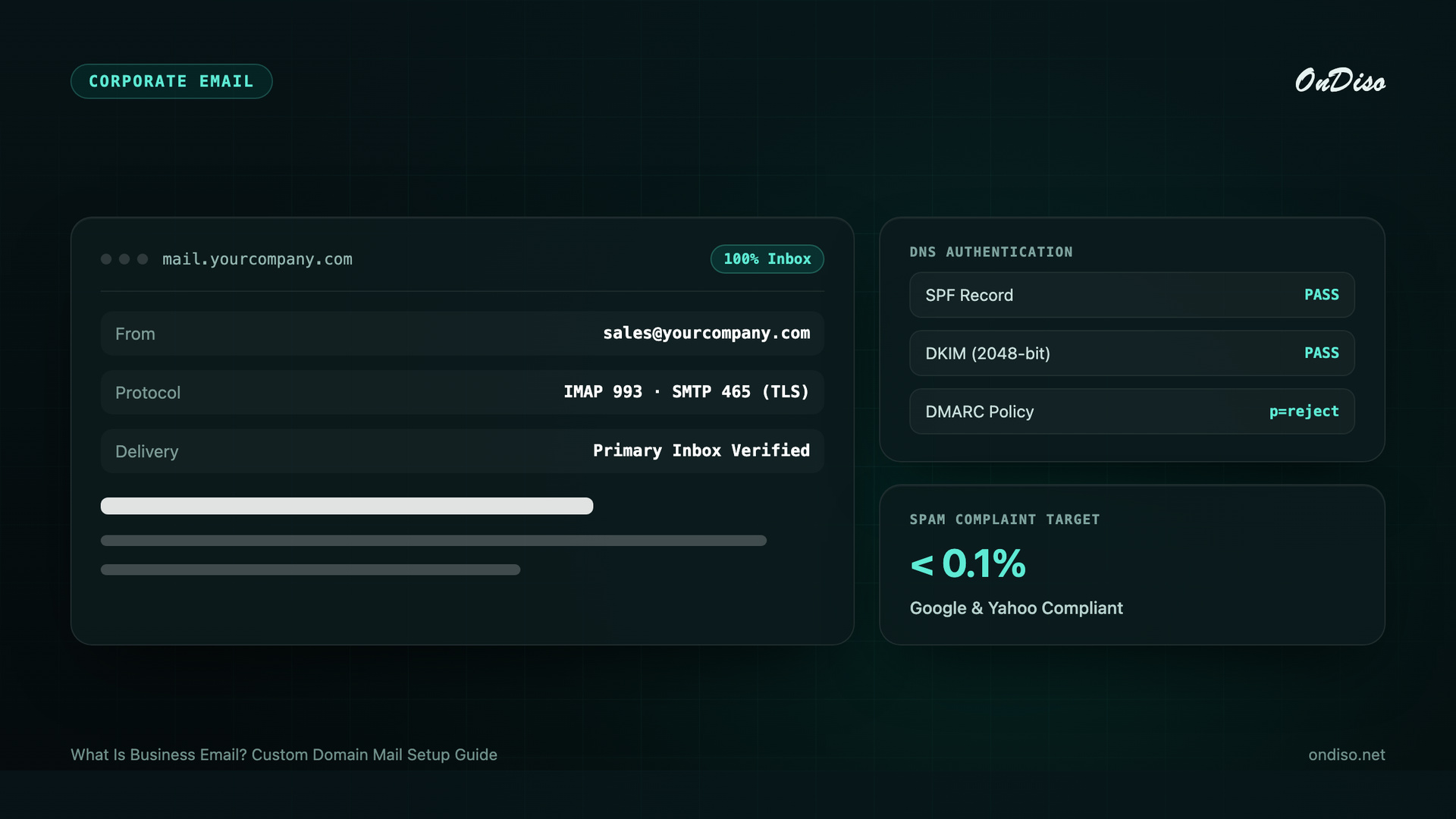
Business email is a centralized, domain-based email system (such as sales@yourcompany.com) that gives companies full control over accounts, backups, and security. Unlike free webmail, custom domain email builds client trust and relies on MX, SPF, DKIM, and DMARC records so important messages land reliably in the inbox rather than spam.
What Is Business Email and Why Does Every Company Need It?
Sending invoices and proposals from a free company@gmail.com address signals an informal setup. Using sales@yourcompany.com immediately establishes credibility from the first interaction.
Beyond brand trust, custom domain email protects company continuity: when staff roles change, client history stays inside company-owned mailboxes and access can be rotated cleanly in seconds. If you have not chosen a domain yet, start with our domain selection guide.
How to Set Up Custom Domain Email Step by Step
A resilient corporate email architecture takes five structured steps:
- Verify Domain Ownership: Register your brand domain and confirm administrative access to its DNS zone.
- Choose the Right Mail Plan: Match mailbox storage quotas, shared calendars, and archival needs to your team size.
- Configure MX Records: Point Mail Exchanger (MX) records in DNS to your mail servers so incoming mail routes cleanly.
- Publish SPF, DKIM, and DMARC: Authenticate outgoing senders cryptographically—without these three records, major providers like Gmail and Outlook frequently filter messages into spam.
- Connect Devices via IMAP/SMTP: Configure Outlook, Apple Mail, and mobile apps using encrypted SSL/TLS ports; see our SSL and TLS security guide for transport encryption basics.
The 3 Mandatory DNS Records for Inbox Placement
Google, Yahoo, and Microsoft enforce strict sender authentication rules for business domains. Every corporate domain should have these three DNS entries configured cleanly:
| Protocol | Role | Recommended Standard |
|---|---|---|
| SPF | Lists which server IPs and platforms are authorized to send email for your domain. | Single consolidated TXT record (stay under 10 DNS lookups) |
| DKIM | Signs every outgoing email cryptographically to guarantee message integrity in transit. | Minimum 1024-bit, strongly recommended 2048-bit key |
| DMARC | Defines how receiving servers treat messages that fail SPF or DKIM alignment. | Start with p=none for reporting, then enforce p=quarantine or p=reject |
Matching forward-confirmed reverse DNS (PTR) records and keeping user-reported spam complaints below 0.10% (never exceeding the 0.30% ceiling) further protects long-term sender reputation.
IMAP, POP3, and SMTP Ports Explained
When setting up desktop or phone clients, choose IMAP rather than legacy POP3 so sent and read messages stay synchronized across every device:
| Protocol | Purpose | Encrypted Port |
|---|---|---|
| IMAP | Keeps mail on the server and syncs folders live across laptop and phone. | 993 (SSL/TLS) |
| SMTP | Handles authenticated, encrypted outgoing email transmission. | 465 (SSL) or 587 (STARTTLS) |
| POP3 | Downloads mail to a single device; not suitable for multi-device teams. | 995 (SSL/TLS) |
Frequently Asked Questions
Can corporate email be set up the same day?
Yes. Once DNS access is ready, MX, SPF, DKIM, and DMARC records along with all team mailboxes are typically live and tested the same day.
Why are our business emails landing in clients' spam folders?
Missing or misaligned SPF/DKIM/DMARC records, missing reverse DNS (PTR), or poor shared-server IP reputation are the most common culprits. Fixing authentication and moving to clean dedicated routing restores inbox placement quickly.
Can we migrate existing emails without downtime?
Yes. Historical inbox and sent folders are transferred via IMAP synchronization with zero mail loss during DNS cutover.
Let's plan your project together
Corporate web engineering, e-commerce, custom SaaS, business email plans, or technical SEO — tell us what you are building.